Your address.
Use a Verso address or connect a verified www or other subdomain you own.
Select works from your inventory and publish them alongside the artist or exhibition. A collector can inquire from the work’s page, and your team can pick up the conversation in Gallery.
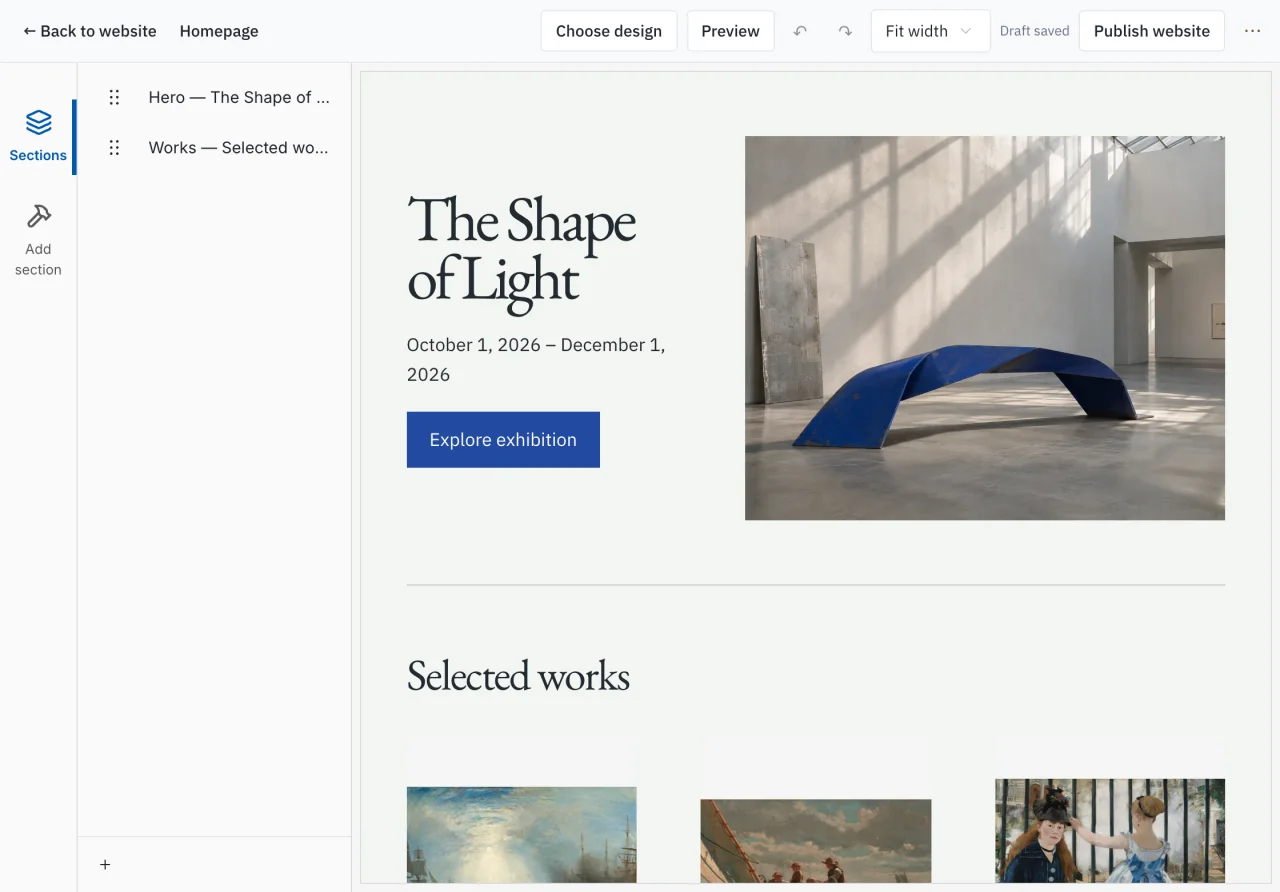
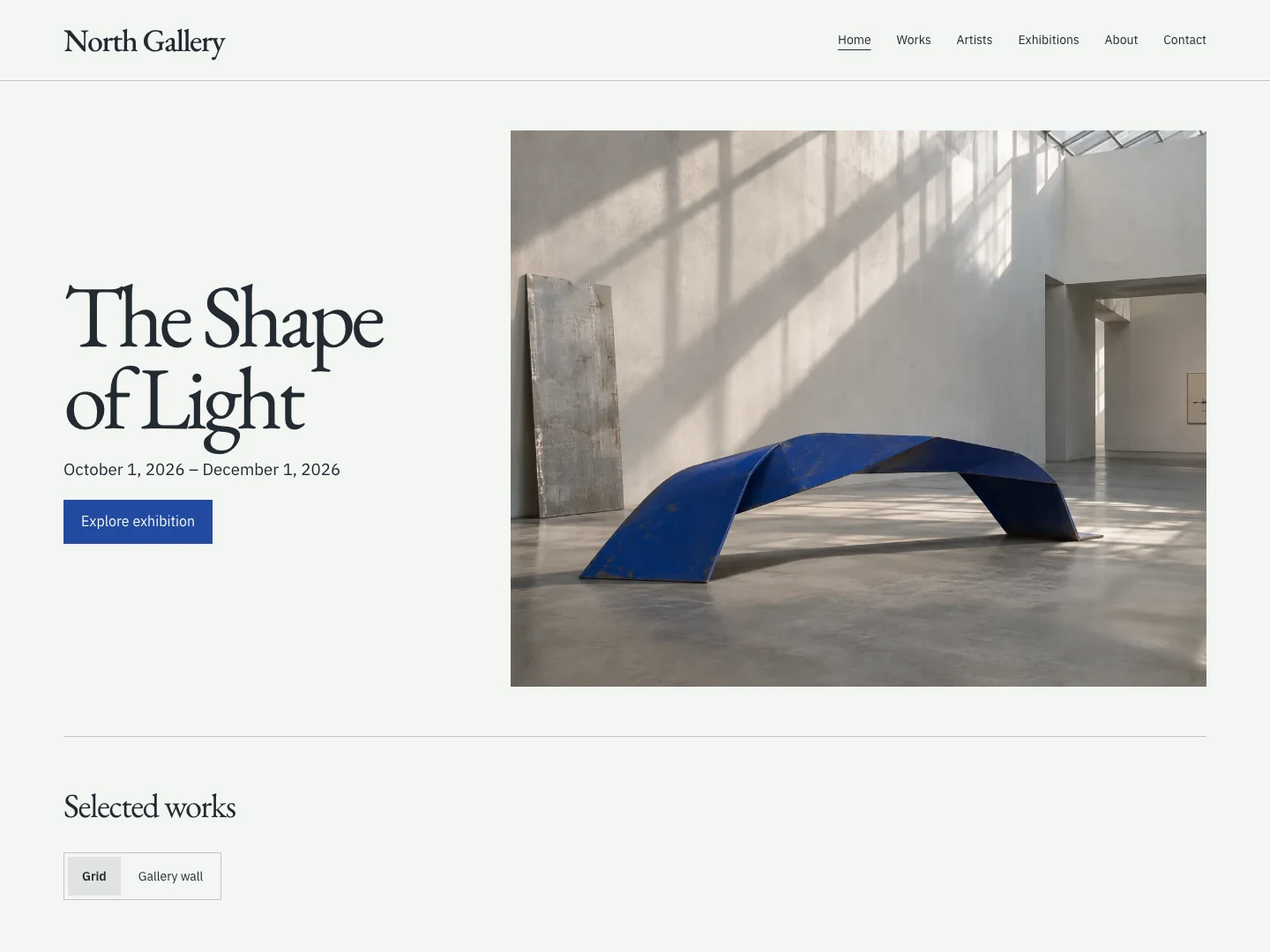
Keep drafts private. Publish selected works, fields, and images while internal costs, documents, and notes stay in your workspace.
Use a Verso address or connect a verified www or other subdomain you own.
Responsive layouts, artwork filtering, image viewing, and search-friendly public pages help visitors find their way.
Approved artwork details follow your inventory. Publish changes to your pages, layouts, and selected content when you’re ready.
Explore the design directions and make them yours with typography, colour, spacing, imagery, and page layouts.
Exhibition opening and selected-work wall.
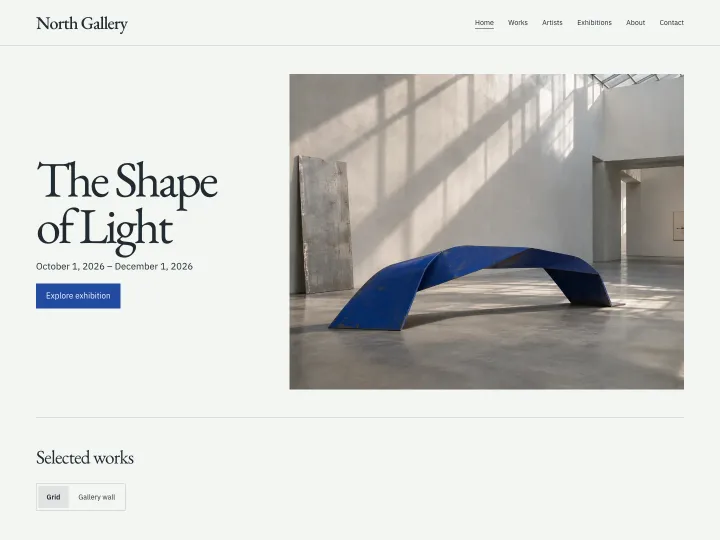
A cinematic opening for exhibitions and a closer look at selected works.
Exhibition posters, visitor information and a public programme.
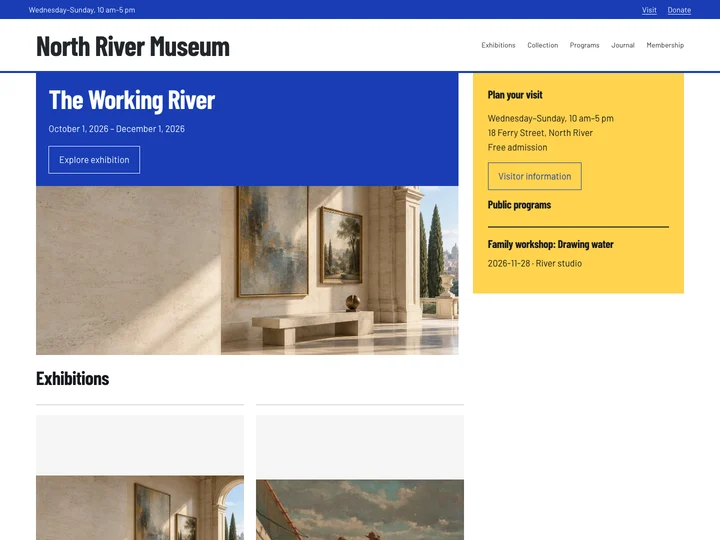
Exhibition posters, visitor information and a public programme.
Object plates, collection stories and curator-led discovery.
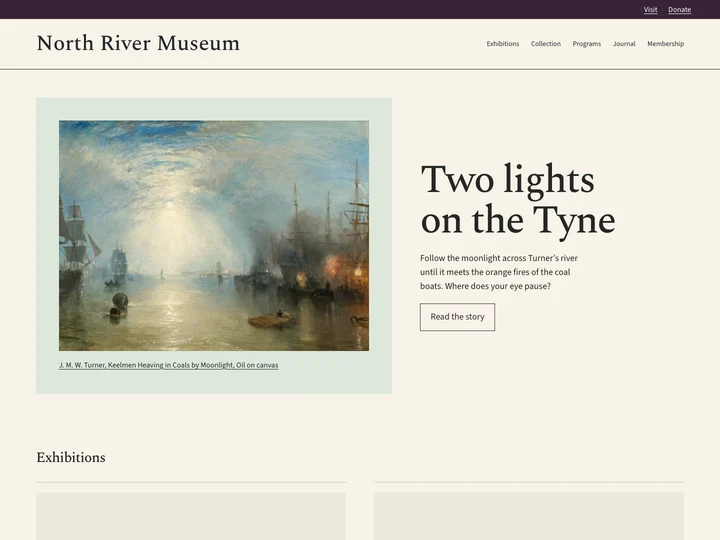
Object plates, collection stories and curator-led discovery.
Immersive media and gallery programme.
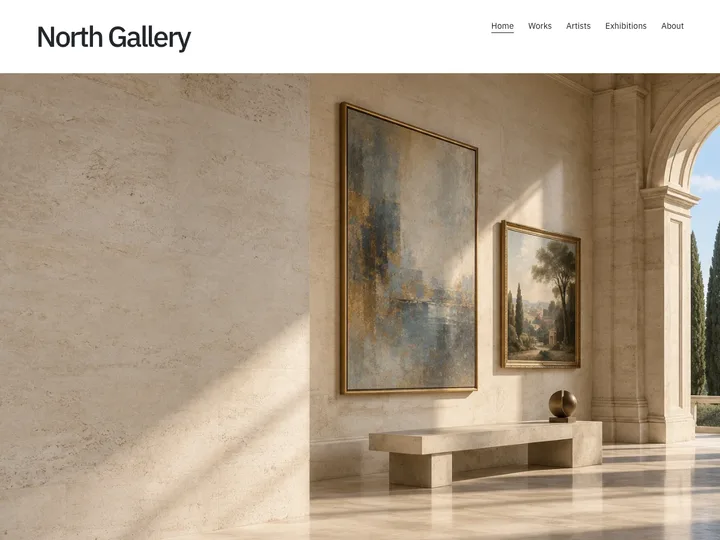
Exhibitions, artists and conversation in an open gallery programme.
Familiar artwork browsing, with precise, editorial or sidebar styling.
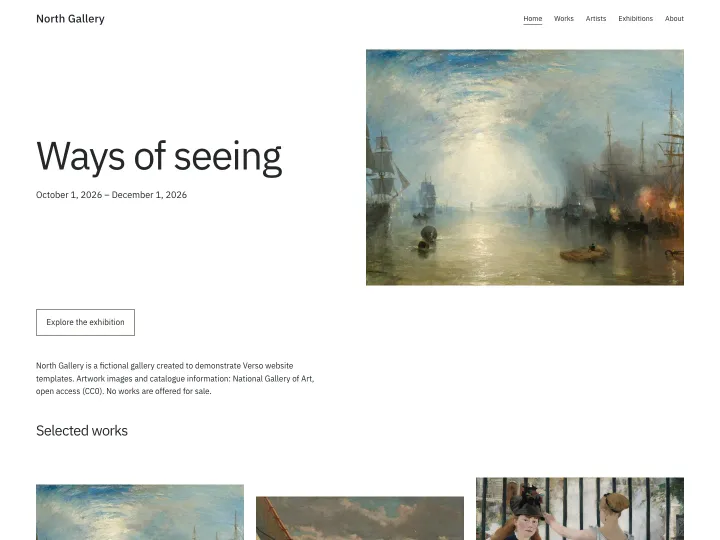
Precise grids. Quiet typography. The artwork leads.
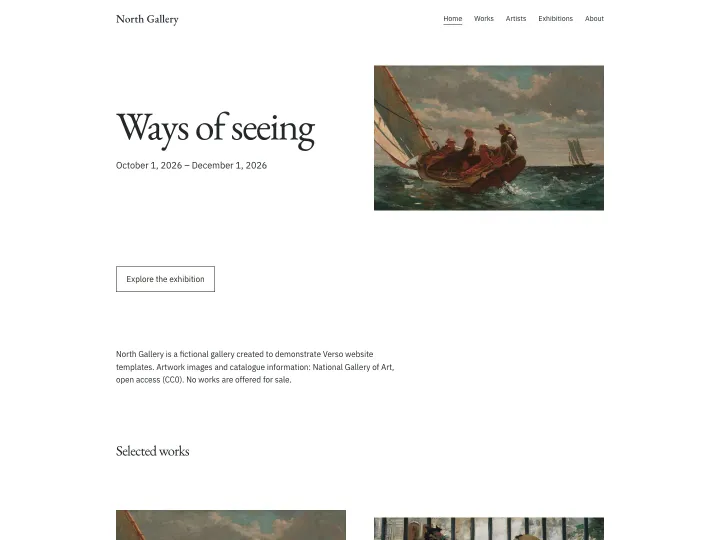
Editorial compositions for artists and exhibitions.
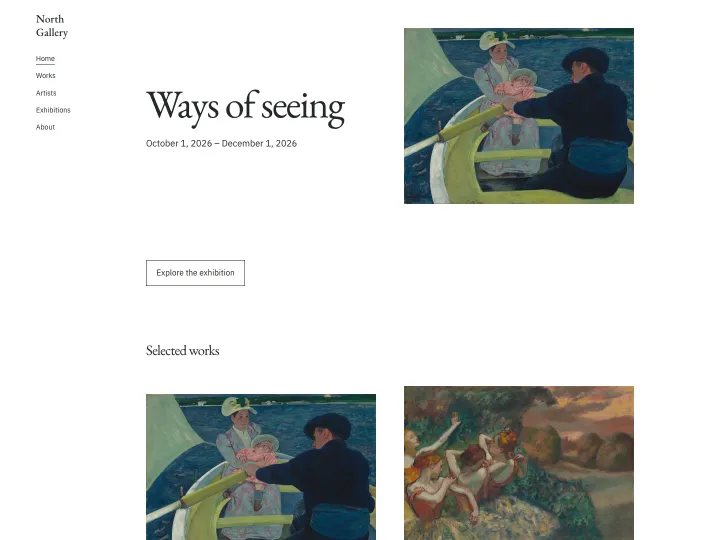
Intimate selections for considered collecting.
An uninterrupted vertical sequence of works.
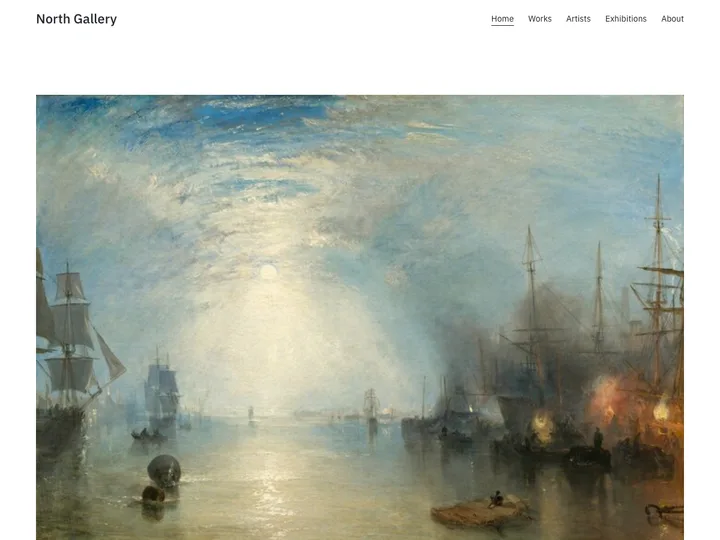
An unfolding gallery of images, with little interruption.
Horizontal artwork sequences with considered pacing.
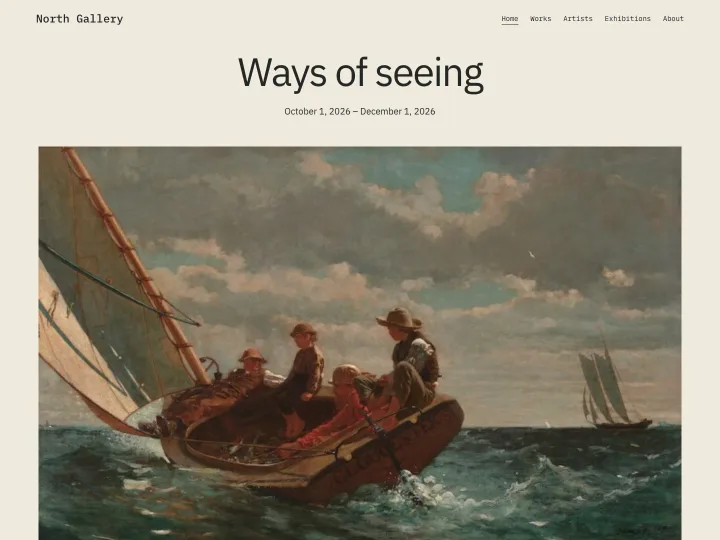
A rhythmic image strip and considered portfolio grids.
The templates use open-access artwork. Explore each example without signing in.
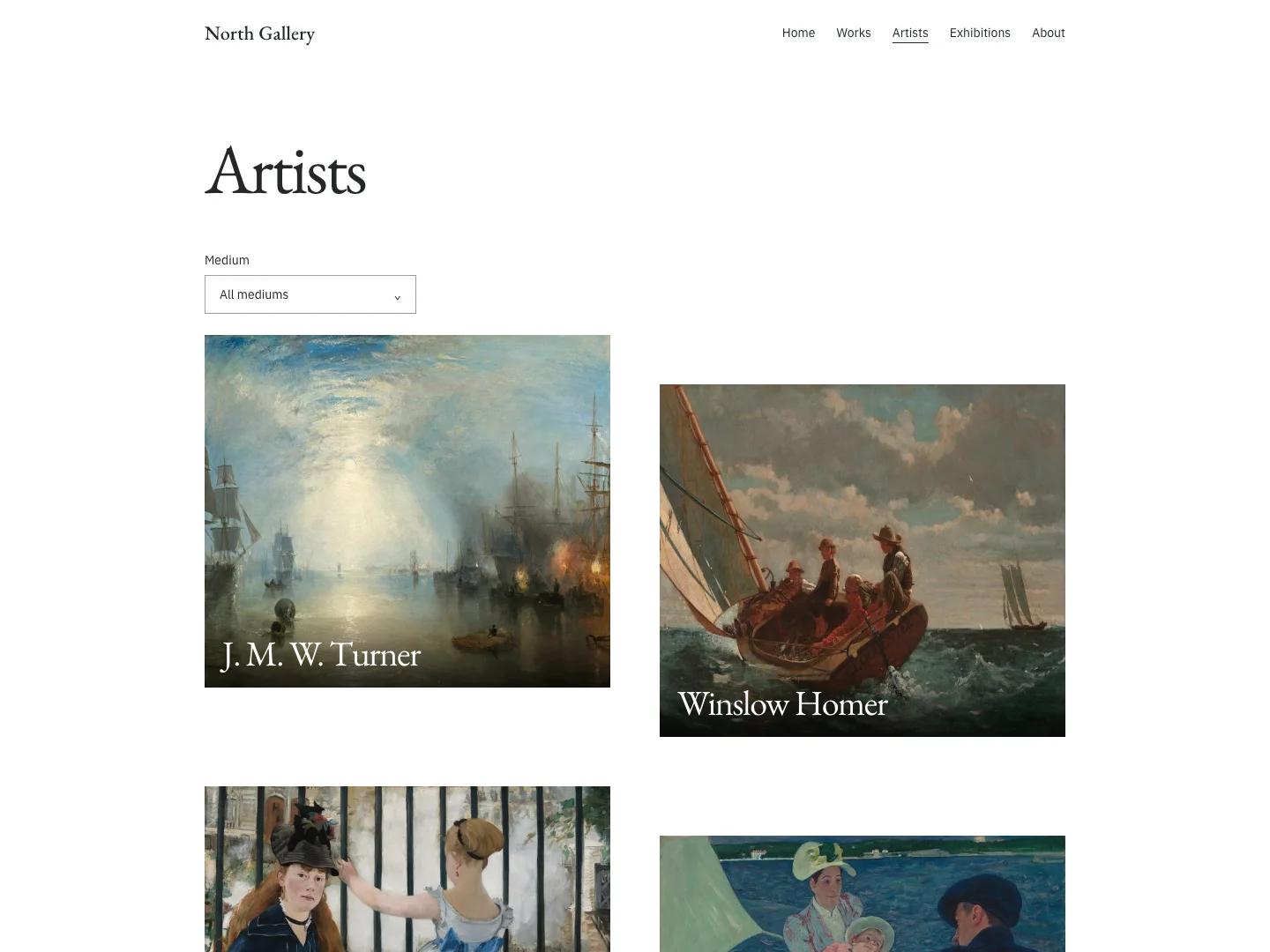
Give each artist a home for their biography and selected works. Let visitors explore the details and images of each piece.
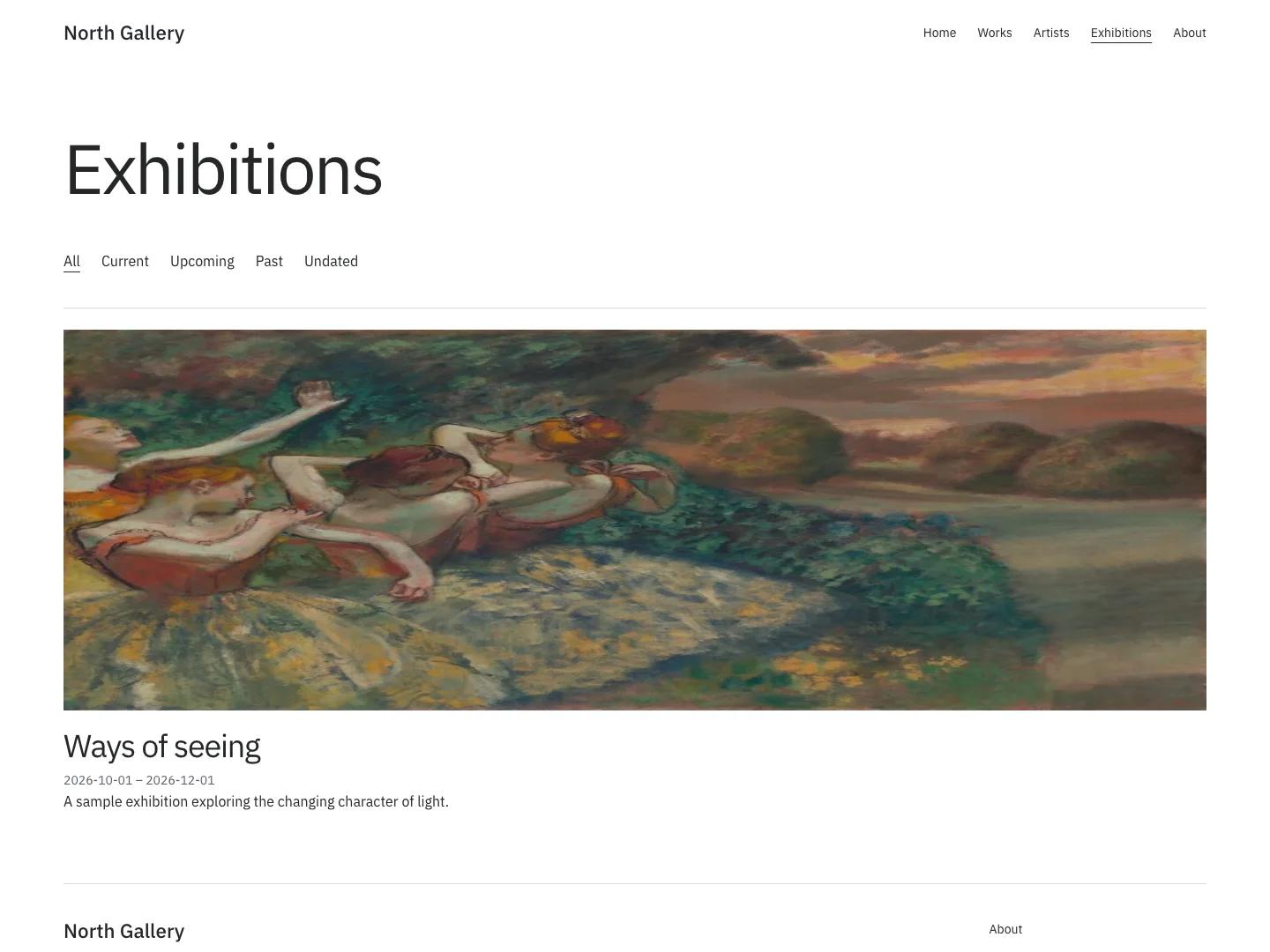
Present exhibitions and public viewing rooms. Share event details and calendar links. With Pro and Group, manage guest lists, limit places, and send confirmations and reminders.
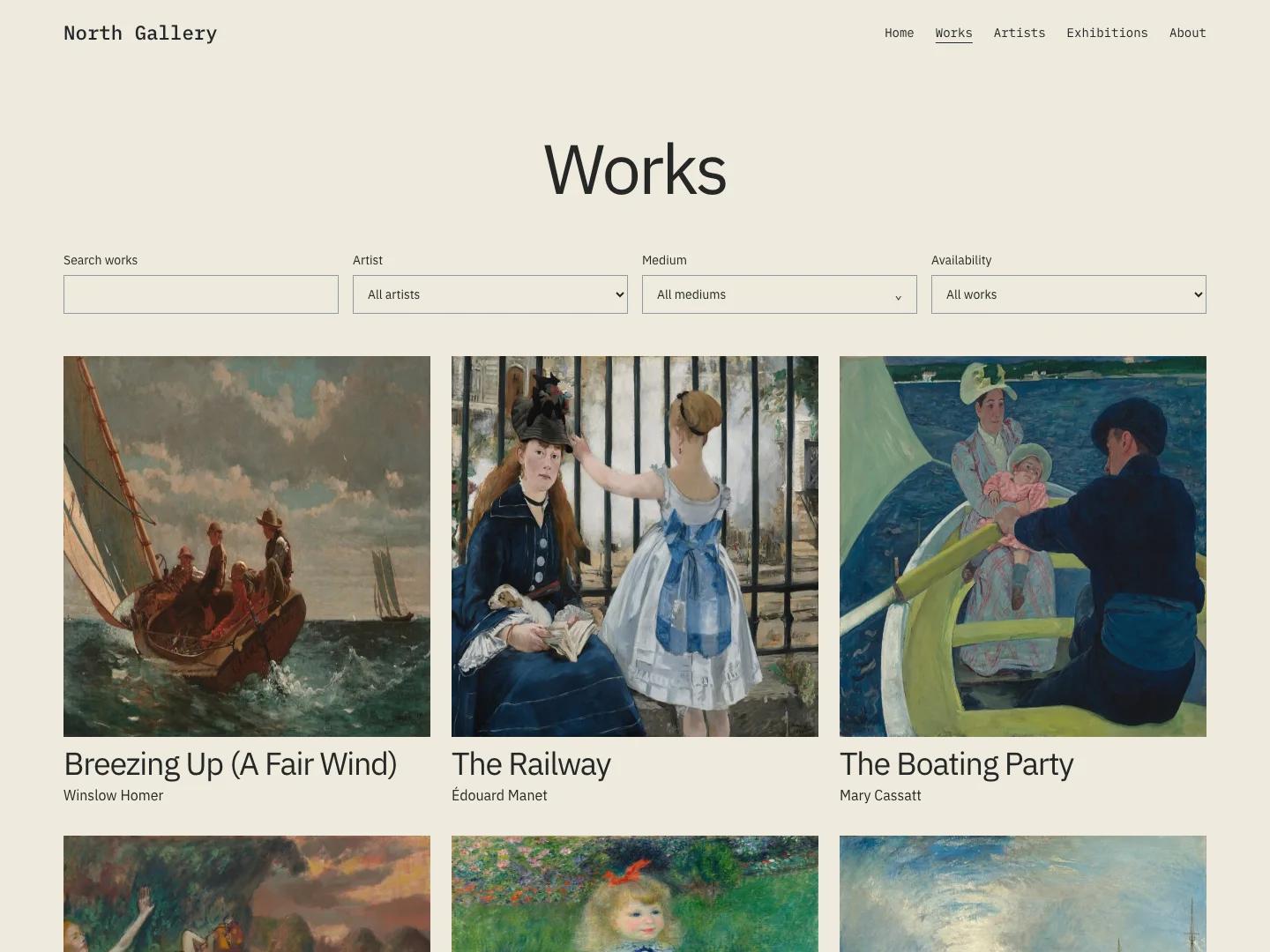
Publish journal articles, studio visits, and gallery news. Compose custom pages and shape the navigation around your programme.
Let collectors purchase selected artworks directly on your website, or start a conversation through an inquiry.
Offer online checkout for the works you choose to sell through your website.
Receive inquiries with their work or page context. Review them in your workspace and connect them to contacts and sales opportunities.
Keep availability, offers, invoices, payments, and consignor settlements alongside your inventory.
Where website checkout is enabled for your gallery, offer direct online purchasing for selected artworks. Inquiries remain available for collectors who want to discuss a work first. A demo covers current availability and setup.
Start with a preset, then adjust typography, colour, spacing, page layouts, and navigation. Add your logo and gallery imagery, and preview your changes before publishing.
Yes. Select works, fields, and images for your Gallery website. Approved artwork values stay connected to the record; new fields and images need publication approval.
Gallery supports a customer-owned www or other subdomain after DNS ownership verification and HTTPS setup. Root domains and domain registration are separate. Discuss your existing address in a Gallery demo.
Drafts, internal notes, costs, and documents stay private. Publish only selected content. Unpublishing stops future access through Verso, but cannot recall copies already made elsewhere.
Inquiries arrive in your workspace inbox with their work or page context. Review them before linking contacts or creating CRM opportunities. An inquiry is not a sale or marketing permission.
A website and free migration are included in every Gallery plan. Compare plans from $179/month.
Request a Gallery demo